
InnSync on your phone. Your operation with you.

Install from your browser and open the Home Screen icon. It is an installable web app, with no App Store or Google Play download.
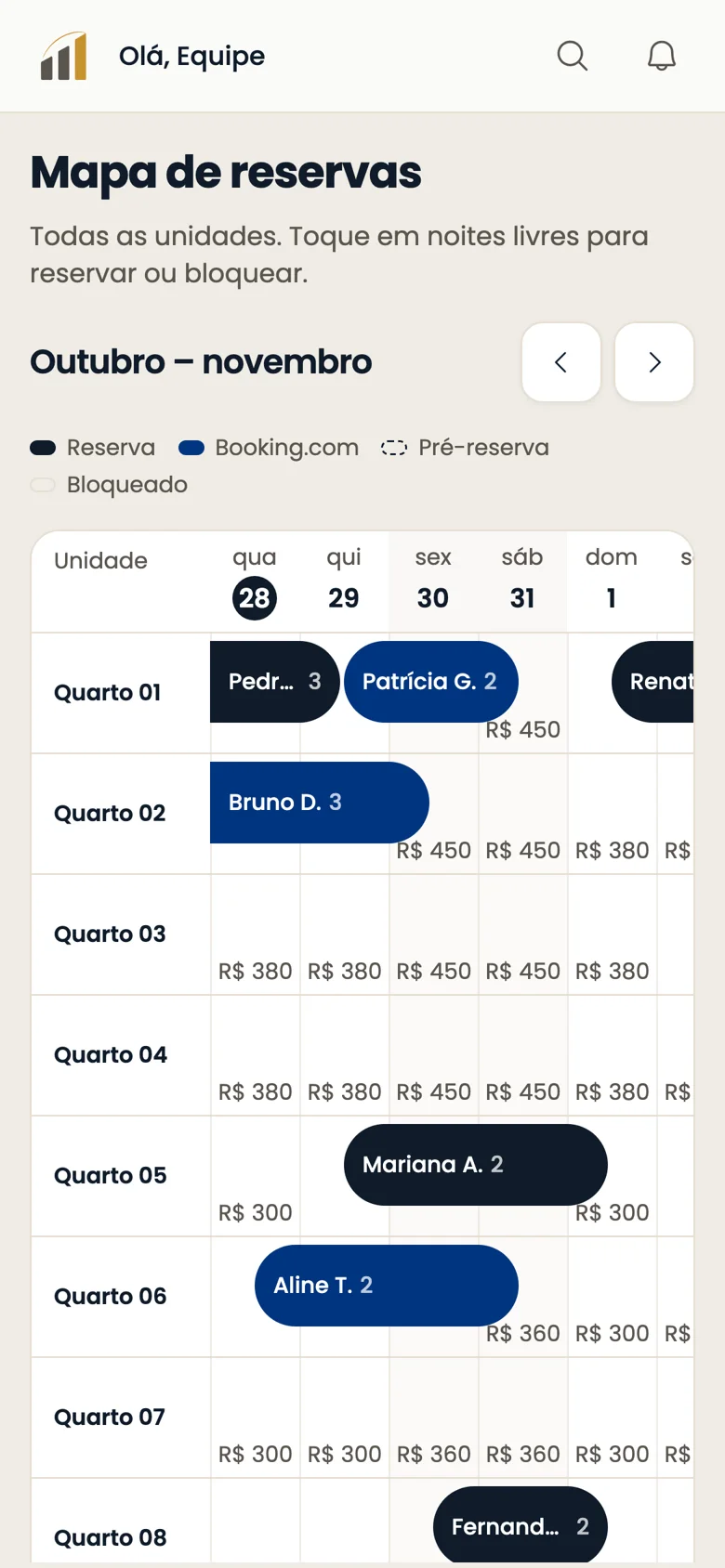
InnSync on your phone: like an app
Real product · fictional property.

Install and configure in three steps.

Choose your device
  1. Open Safari and Share
  2. Add to Home Screen and confirm
  3. Open the icon; Settings, Notifications, Enable, Allow
  1. Open Chrome
  2. Menu, Add to Home Screen
  3. Settings, Notifications, Enable, Allow
  1. Open an updated browser
  2. Settings, Notifications, Enable
  3. Allow in the browser and keep it open

Get alerts without keeping InnSync on screen.

Guest and team message alerts can arrive with InnSync closed, depending on permissions and preferences. On a computer, the browser must remain open.

Illustrative notification examples

New guest message

Open InnSync to view the conversation.

New team message

Open InnSync to view the conversation.

Your phone follows the whole operation.

Access messages, the booking calendar, front desk and Carmen. Available features follow your account’s permissions and configuration.
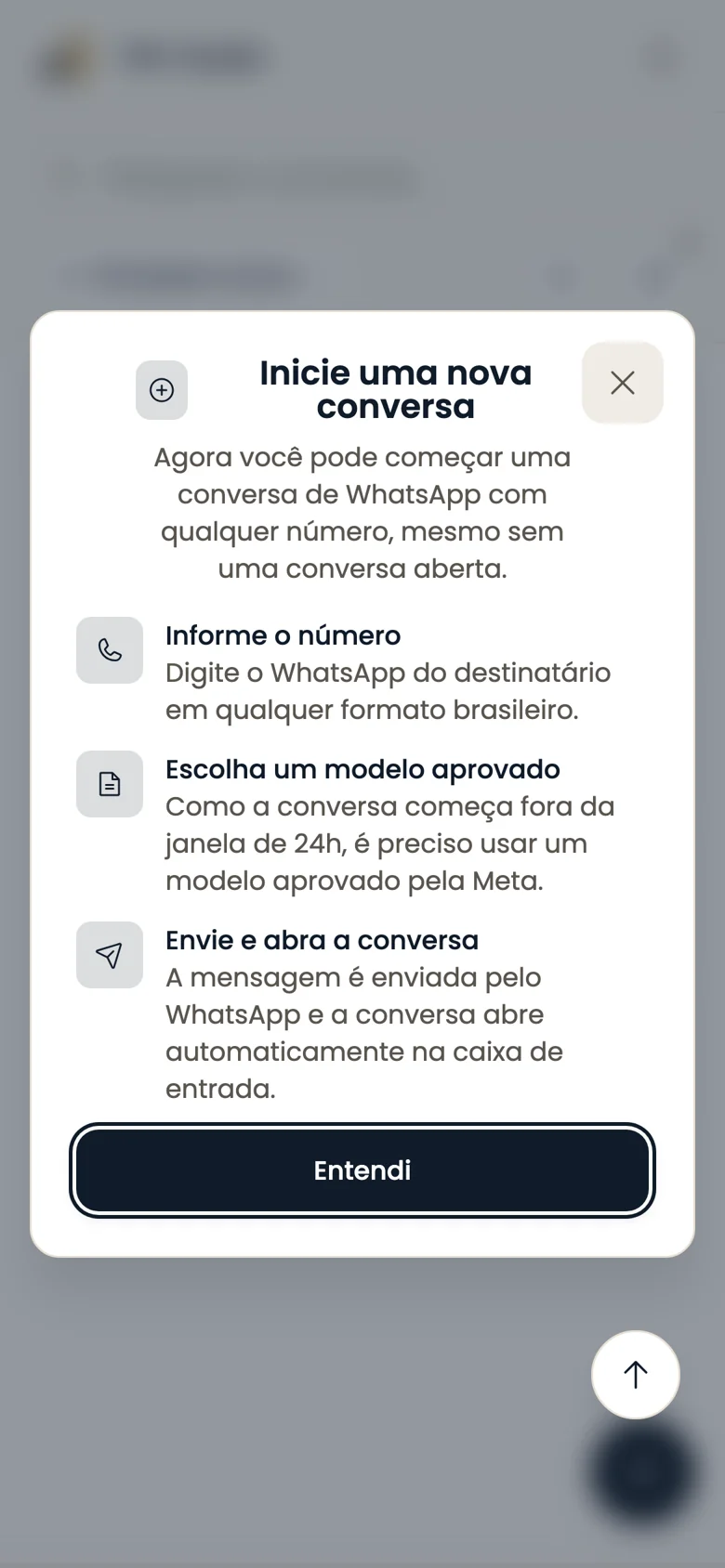
Starting a conversation on a phone

Frequently asked questions

InnSync on your phone: like an app

Video narrated in Portuguese; English version coming soon

InnSync on your phone: like an app
Watch the video

Bring your team into InnSync.

Log in or create your account to get started.